Designer resources
Design templates for custom umbrellas
17 production templates, each drawn at 1:1 from the real cut line. Download the canopy as an editable file, lay out your artwork in your own studio, and send it back — no back-and-forth asking for dimensions.
1. Pick your size
Find the canopy that matches your project. Every template is drawn at 1:1 with the real cut line.
2. Download the template
Take the edit-ready AI file, plus a one-page PDF with the dimensions and print requirements.
3. Send the artwork back
Design in your own studio, then email the file. We check it, confirm the layout and quote sampling.
Choose a product family
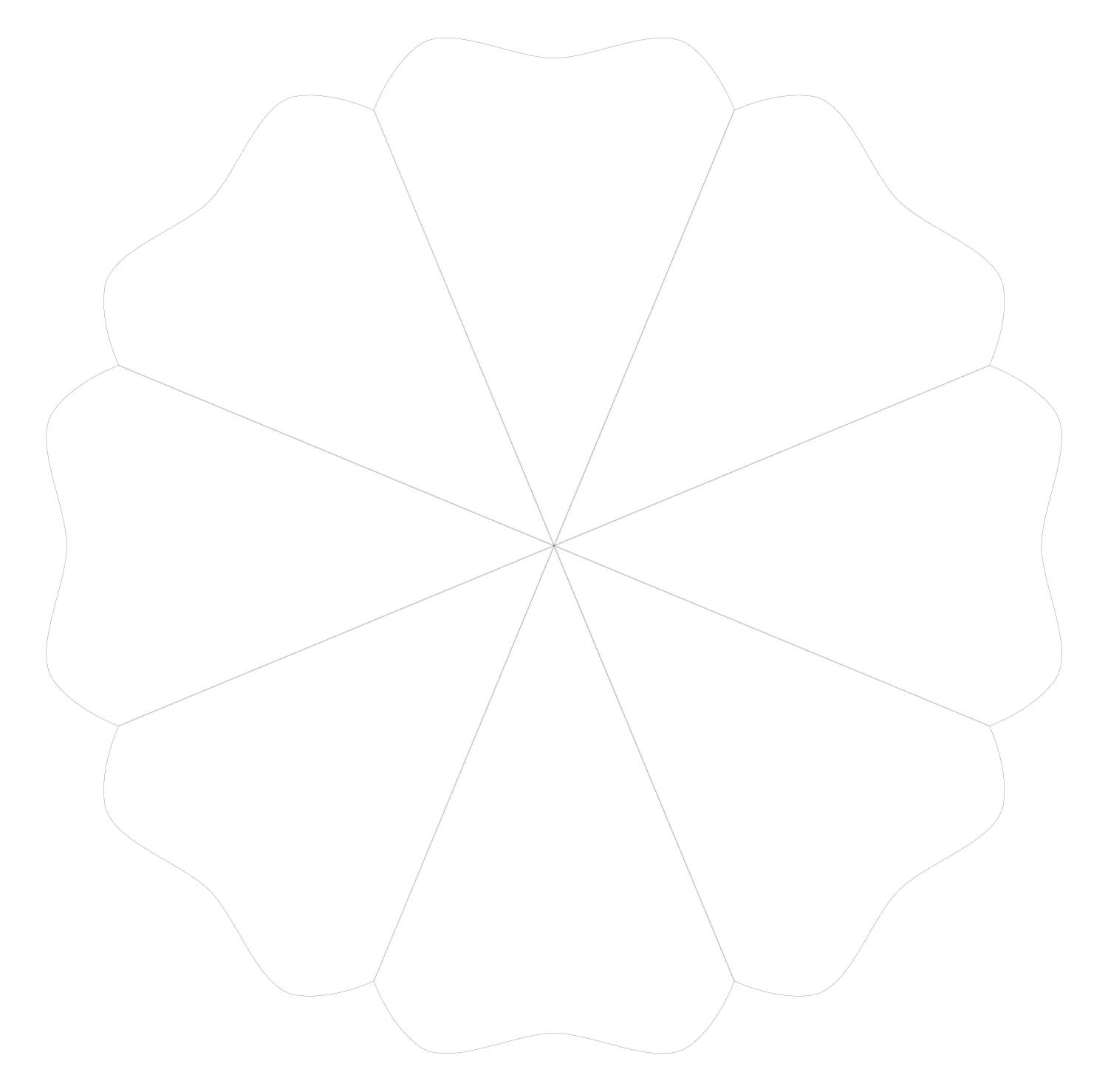
Beach umbrellas
5 templatesCanopy laid flat at 1:1 with the cut line and panel divisions. Use it for full-print beach canopies, fringed valances and resort projects.
Open templates
Folding umbrellas
6 templatesCompact and 3-fold canopies from 19" to 25". Most promotional programmes start here — the template already includes the sewing allowance.
Open templates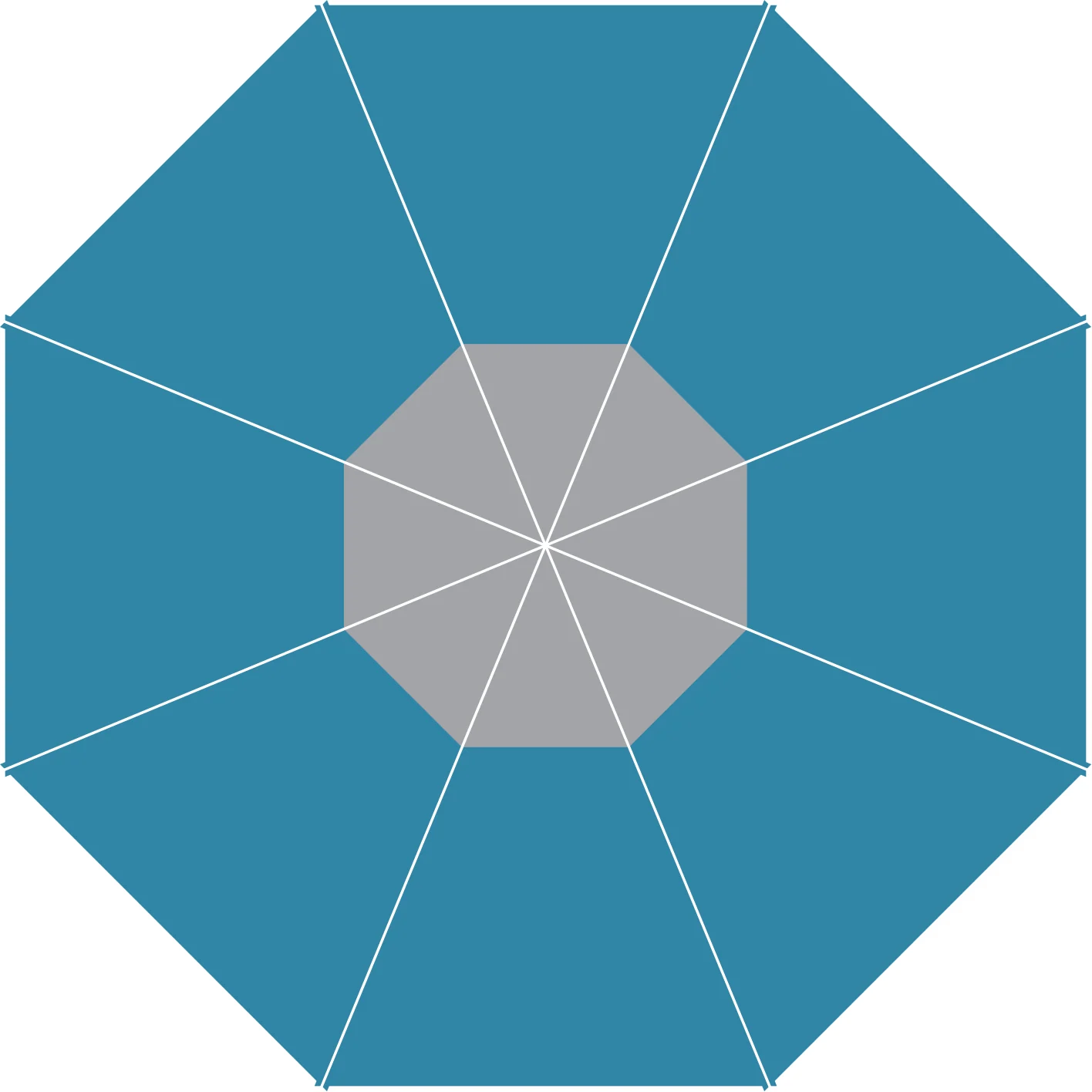
Golf umbrellas
1 templatesDouble-canopy golf umbrellas where the vent panel repeats differently on the upper and lower canopy.
Open templates
Patio & market umbrellas
3 templatesCentre-pole, square and oversized patio canopies for terraces, hotels and beach clubs.
Open templates
Bags & sleeves
2 templatesMatching carry sleeves and bags so the artwork carries through the whole set.
Open templatesBefore you start
These are the points that decide whether a file goes straight to proofing or comes back for correction.
- Colour mode
- CMYK. Pantone reference welcome for spot colours.
- Resolution
- 300 dpi at final size for every raster element.
- Bleed
- 3 mm on all cut edges — artwork must extend past the cut line.
- Safe area
- Keep logos and text at least 5 mm inside the cut line.
- File format
- AI, PDF or EPS. Outline fonts, embed or link images.
- Seam allowance
- Already built into every template — do not add extra.
- Panel repeat
- Artwork repeats on every panel unless you send a panel map.
- Naming
- Use PO or project name + template code, e.g. ACME-BU190-v3.ai
Sending us the artwork
Email the file to helen@greenmarkoutdoor.com or send a WeTransfer / Drive link. Include the template code and the number of pieces you need — we reply with a layout check and a sampling quote, usually within one working day.
- · Files up to 25 MB go straight through email; larger sets by link.
- · We send a digital proof before any fabric is cut.
- · Need a size or shape that is not listed? Tell us and we draw the template.